Description
Run the household from one place
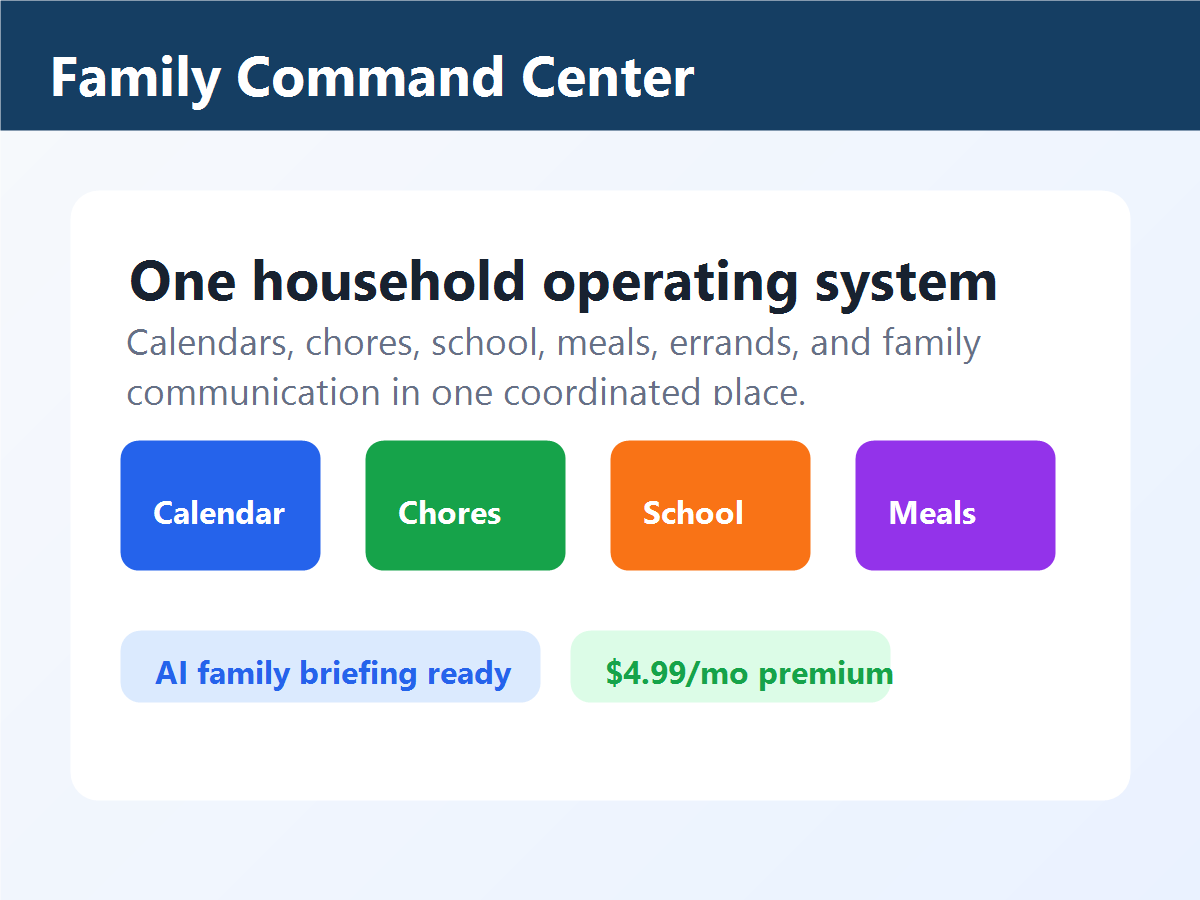
Turns the busy household into one coordinated operating system for calendars, chores, school, meals, errands, and family communication.
Busy households
Coordinates chores, meals, school, errands, and family reminders
Launch guidance
Before you buy
- Good fit when
- Your household has repeated planning misses across chores, meals, school, errands, care, or reminders.
- Pause if
- You need every family system solved at once or do not have an adult owner ready to set the first routine.
- Confirm before checkout
- Confirm adult account ownership, family privacy notes, launch guidance, renewal terms, and the first workflow to set up.
Contact TrailRunner with context
For Family Command Center help, describe the first household workflow and where the routine is getting stuck.
- Send
- Adult account owner, selected workflow, roles involved, app version, and the routine that is not landing.
- Do not send
- Private child details, school records, medical details, passwords, or payment information.
What it helps you do
- Shared family dashboard
- Chores, school, meals, and errands
- AI household briefing stub
Preview highlights
- Open the shared family dashboard
- Coordinate chores, meals, school, and errands
- Review an AI household briefing concept
Privacy details
- Data collected
- Family account details, household tasks, calendar-style routines, reminders, and app settings.
- Data not collected
- Children-specific advertising profiles, biometric data, or unrelated device content.
- Data sharing
- No sale of personal data. Limited service providers may process data for hosting, checkout, support, and app operations.
- Family note
- Designed for family organization with clear household controls and practical support.
Buyer protection notes
- Family features are described in plain language before purchase.
- Adults should control household setup, sharing, and billing decisions.
- Refund and support requests are handled through TrailRunner support with order details.
First 10 minutes after purchase
Use the first 10 minutes to choose one household workflow and make the family plan visible.
- Pick chores, meals, school, errands, or care as the first workflow.
- Add the people responsible.
- Add the next three recurring tasks.
- Review what reminder or briefing would reduce dropped details.
The household has one shared plan instead of scattered reminders.
Proof TrailRunner should collect
A useful Family Command Center case study should show one household replacing scattered reminders with a shared operating rhythm.
- Outcome
- The family has one visible plan for recurring work and fewer dropped details.
- Evidence
- Verified family account, selected workflow, first-week checklist, and customer permission.
- Limitation
- The app helps organize routines, but family adoption still depends on adults setting expectations and reviewing the plan.
Preview video production plan
Show a busy household replacing scattered reminders with one shared weekly operating rhythm.
- Open on a week with chores, meals, school, errands, and care tasks.
- Add people and recurring tasks to the shared dashboard.
- Show the first family briefing or reminder flow that reduces dropped details.
Publish after adult-control language, family privacy notes, support path, and current feature availability match the product page.
Lifecycle and support playbook
Help the adult account owner choose one family workflow, invite the right people, and make the week easier to see.
- Welcome subject
- Start your Family Command Center with one household rhythm
- First action
- Pick chores, meals, school, errands, or care, then add three recurring tasks and the responsible people.
- Support triage
- Ask for account owner, selected workflow, household role setup, and the routine that is not landing. Do not request private child details by email.
Marketplace governance
TrailRunner apps should remain family-friendly, pro-business, privacy-aware, and supportable after launch. Product updates, reviews, support ownership, refund concerns, and any eligible creator payout records belong in the governance ledger.
Reviews
There are no reviews yet.